
Cybercrime against Australian businesses increased by 23% in 2023, with small businesses facing average costs exceeding $46,000 per incident. This comprehensive guide covers essential digital security practices for NSW businesses, including strong password management, multi-factor authentication, AI security awareness, email protection, software updates, secure online banking, and building a security-conscious workplace culture. There are some practical steps you can take to protect your business from cyber threats while maintaining business efficiency.
Running a business in NSW today means your digital security is just as important as locking your office door at night. With cybercriminals becoming more sophisticated by the day, Australian businesses are increasingly finding themselves in the crosshairs of attacks that can cripple operations, drain bank accounts, and destroy years of hard-earned reputation.
The reality is this: according to the Australian Cyber Security Centre's Annual Cyber Threat Report 2023, cybercrime reports increased by 23% over the previous year, with small businesses bearing the brunt of these attacks. The average cost of cyber incidents for small businesses now exceeds $46,000, not including the long-term reputational damage and customer loss that often follows. For NSW businesses, this isn't just a statistic – it's a daily threat that could determine whether your business thrives or falls foul of a cybercrime attack.
Building Your Digital Fortress: Password Security
When we talk about cybersecurity, passwords are your first line of defence, yet they're often the weakest link in your security chain. Think about it – how many of your business accounts are protected by simple passwords like your name and birth year in plain text, or your company name followed by the current year? If you're nodding along, you're not alone, but you are vulnerable.
Creating strong passwords isn't rocket science, but it does require a shift in thinking. Instead of trying to remember complex combinations of letters, numbers, and symbols, consider using passphrases. A password like "CoffeeBreak@MartinPlace@10:30am!" is both strong and memorable for a Sydney-based business owner who grabs their morning coffee at Martin Place. Using a mixture of capitalisation, numerals and special characters increases the strength of your passwords and you can always use these elements in a way that makes sense - your passwords don't have to be a completely random array of numbers, special characters and letters for them to be effective.
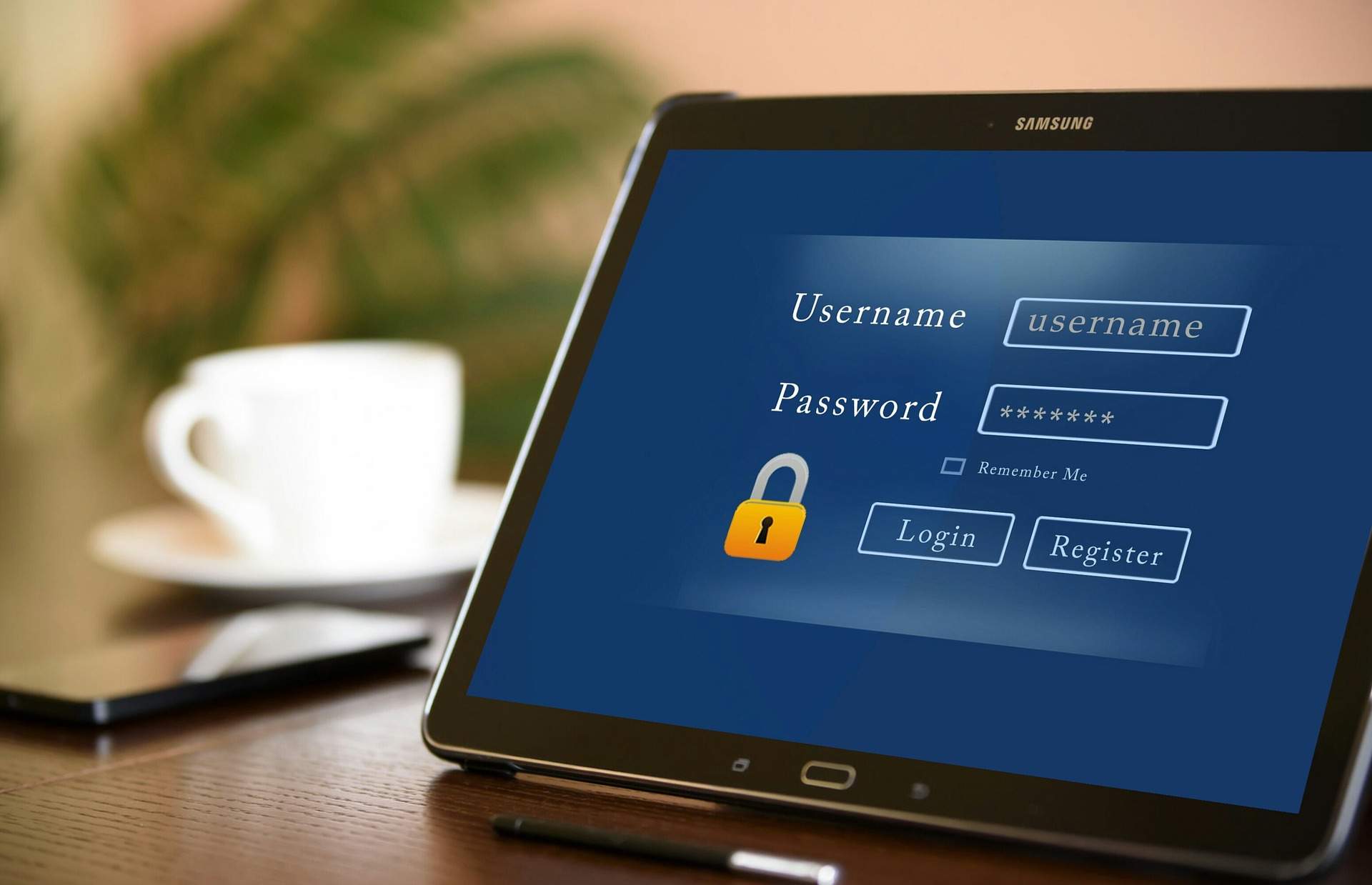
There is also a golden rule here regarding passwords that is fairly simple: never reuse passwords across multiple accounts. When hackers breach one system and obtain your password, they'll systematically try that same password on common banking, email, and business systems to see if they can find a match. It's like giving someone your house key and hoping they won't check if it also opens your car, office, and safety deposit box.
This is where password managers can help. Think of them as a digital vault that creates and stores complex, unique passwords for every account you use. Popular password managers like Proton Pass, 1Password, or Bitwarden generate passwords that would take hackers a great deal of time and effort to crack, while you only need to remember one master password to access your vault. If you don't like the idea of storing your password manager's database on the cloud, there are other free options such as KeePass for locally-stored database files.
Multi-Factor Authentication: A Security Safety Net
Imagine if your office had a door that required both a key and a fingerprint scan to enter. That's essentially what multi-factor authentication (MFA) does for your digital accounts. Even if someone manages to steal or crack your password, they still can't access your accounts without that second form of verification.
For NSW businesses, MFA isn't just recommended – it's becoming essential. The banking sector has led the way here, and if you've used online banking recently, you've likely experienced MFA through SMS codes or authentication apps. But your banking isn't the only thing that needs this additional layer of protection.
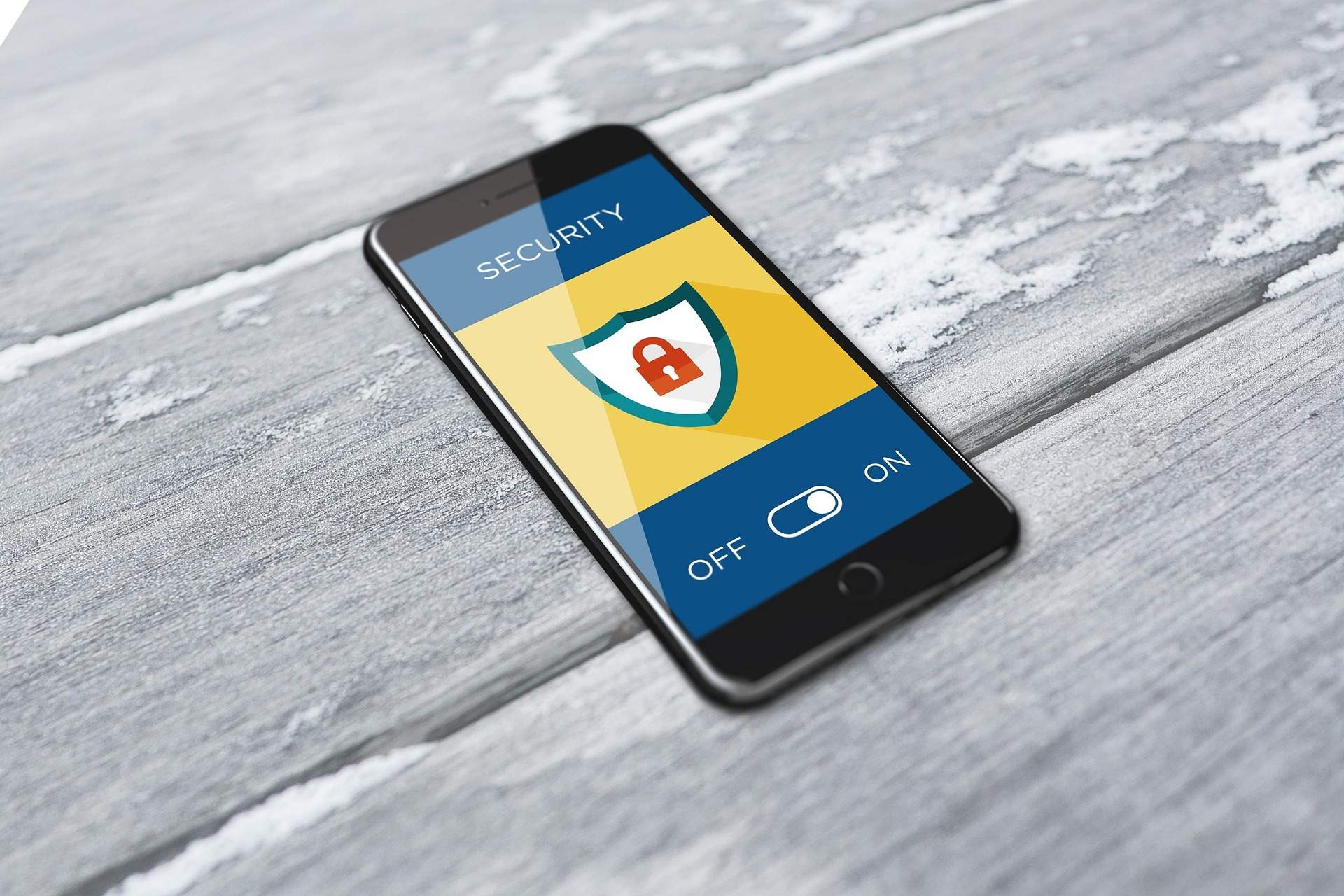
Consider your business email, cloud storage, customer management systems, and accounting software. Each of these contains information that could devastate your business if it fell into the wrong hands. Setting up MFA on these accounts takes just a few minutes but provides protection that's exponentially stronger than passwords alone.
The most secure current MFA method uses authenticator apps like Google Authenticator or Microsoft Authenticator rather than SMS codes. While SMS is convenient, it can be intercepted through SIM swapping attacks – a growing concern for Australian businesses where criminals transfer your phone number to their device and intercept your security codes.
Artificial Intelligence: The Double-Edged Digital Sword
Artificial intelligence is revolutionising cybersecurity in ways that benefit both defenders and attackers. On the positive side, AI helps security systems detect unusual patterns in network traffic, identify potential threats in real-time, and respond to incidents faster than any human could manage. However, cybercriminals are also harnessing AI to create more sophisticated attacks. We're seeing AI-generated phishing emails that are remarkably convincing, deepfake technology used for social engineering attacks, and malware that adapts its behaviour to evade detection.
For NSW businesses, this means maintaining a healthy scepticism about digital communications. That urgent email from your "bank" asking you to verify your account details might be generated by AI and tailored specifically to your business. The common consensus is to avoid clicking on any links or calling any numbers from an email or text message, but the real key is verification – when in doubt, contact the sender through a different communication channel to confirm the request is legitimate, or visit services websites directly instead of clicking any links in messages or emails.
While managing these security protocols alongside your day-to-day business operations can feel overwhelming, working with trusted professional service providers who understand both technology and business requirements can help streamline these processes. When your bookkeeping and financial management are handled by professionals who prioritise security, it frees you to focus on what you do best while knowing your business data remains protected.
Email Security: Your Business Communication Lifeline
Email remains the primary attack vector for cybercriminals targeting NSW businesses. Think about how much of your business flows through email – client communications, financial documents, contracts, and sensitive business information. Securing this communication channel isn't optional; it's essential for business survival.
Professional email solutions like Microsoft 365 or Google Workspace offer built-in security features that help keep communications secure. These platforms include advanced threat protection, email encryption capabilities, sophisticated spam filtering, and data loss prevention tools that can stop sensitive information from accidentally leaving your organisation.

But technology alone isn't enough. Your team needs to develop a sixth sense for suspicious emails. The days of obviously fake "Nigerian prince" scams are largely behind us, but today's phishing attempts can be very sophisticated, often referencing real business relationships and using information scraped from your company's website or social media profiles.
Train your staff to pause before clicking links or downloading attachments, especially when the email creates a sense of urgency. Legitimate businesses rarely require immediate action through email alone. When someone claims to be from your bank, insurance company, or a government agency like the ATO, establish a practice of verifying these communications through independent channels before taking any action.
You can check the current ATO warnings about scam alerts here: https://www.ato.gov.au/online-services/scams-cyber-safety-and-identity-protection/scam-alerts.
Software Updates: Your Digital Immune System
Software updates often feel like an inconvenience – they interrupt your workflow, sometimes change familiar interfaces, and always seem to arrive at the worst possible moment. However, treating updates as optional is like leaving your office door unlocked because you're planning to return in a few minutes.
Cybercriminals actively scan the internet for businesses running outdated software with known vulnerabilities. When software companies release security patches, they're essentially publishing a list of weaknesses that existed in previous versions. Criminals use this information to target businesses that haven't updated their systems.
For NSW businesses, this creates a race against time. The window between a security update being released and criminals exploiting the vulnerability in unpatched systems can be measured in days or even hours. This is why many successful businesses enable automatic updates for critical software like operating systems, web browsers, and antivirus programs.
However, automatic updates aren't always practical for business-critical software that might disrupt operations if something goes wrong. In these cases, establish a regular schedule for testing and applying updates, ideally within a week of release for security-critical patches.
Online Banking: Protecting Your Financial Lifeline
Your business banking represents the ultimate prize for cybercriminals. Unlike other business systems that might contain valuable information, your banking accounts contain actual money that can be transferred within minutes to accounts around the world. For NSW businesses, protecting these accounts requires a multi-layered approach that goes beyond standard password protection.
Consider using dedicated devices or browsers exclusively for banking activities. While it might seem excessive, this practice creates an air gap between your everyday internet browsing and your financial activities. When you browse websites, read emails, or download files on the same device you use for banking, you create pathways for malware to access your financial accounts.

Never access business banking accounts from public Wi-Fi networks, even those that require passwords. Public networks in cafes, airports, or shared office spaces are often monitored by criminals looking to intercept financial login credentials. If you must access banking while away from your secure office network, use your mobile phone's data connection instead of public Wi-Fi.
Enable account alerts for all transactions, regardless of amount. While a $50 unauthorised transaction might seem insignificant compared to your business turnover, it often represents a test transaction by criminals who are probing your account's defences before attempting larger transfers.
Building a Security-Conscious Business Culture
Technology and tools are only as strong as the people using them. Creating a culture of security awareness within your NSW business means treating cybersecurity as everyone's responsibility, not just the IT department's concern.
Regular training should be conversational and practical rather than technical and theoretical. Research and share real examples of attacks that have affected similar businesses in your area or industry. When employees understand that these threats are real and relevant to their daily work, they're more likely to remain vigilant and follow security protocols.
Encourage employees to report suspicious emails or unusual computer behaviour without fear of blame or embarrassment. Often, the employee who accidentally clicked a malicious link is also the person best positioned to help limit the damage if they report the incident immediately.
Consider running regular "fire drills" for cybersecurity incidents. Just as you practice fire evacuation procedures, your team should know what to do and the processes involved if they suspect a security breach. This might include disconnecting from the network, preserving evidence, and following specific notification procedures.
Many successful NSW businesses find that partnering with experienced service providers helps maintain security standards without diverting resources from core business activities. Professional bookkeepers who understand current security threats can implement secure financial processes that protect your business while ensuring compliance requirements are met efficiently.
Remember, digital security isn't a one-time setup – it's an ongoing commitment to protecting your business, your customers, and your future. In the fast-paced business environment of NSW, taking these steps now could be the difference between reading about cyberattacks in the news and becoming the news yourself.
Sources and Further Reading
- Australian Cyber Security Centre — Annual Cyber Threat Report 2023 (ACSC publications) -
https://www.cyber.gov.au/about-us/view-all-content/reports-and-statistics - Australian Cyber Security Centre — Small business cyber security guidance (Small Business Hub) -
https://www.cyber.gov.au/business-government/small-business-cyber-security/small-business-hub - Office of the Australian Information Commissioner (OAIC) — Notifiable data breaches statistics and reports (2023) -
https://www.oaic.gov.au/privacy/notifiable-data-breaches/notifiable-data-breaches-publications - Australian Small Business and Family Enterprise Ombudsman — Resources (cyber security) -
https://www.asbfeo.gov.au/resources - NSW Cyber Security Network — NSW investment and sector information -
https://www.investment.nsw.gov.au/industry-sectors/technology/cyber-security/ - Australian Government — Essential Eight strategies to mitigate cyber security incidents -
https://www.cyber.gov.au/business-government/asds-cyber-security-frameworks/essential-eight - Stay Smart Online (Australian Government) — national online safety guidance (redirects to ACSC) -
https://www.staysmartonline.gov.au/ - Scamwatch — National Anti-Scam Centre and consumer guidance -
https://www.scamwatch.gov.au/ - Have I Been Pwned — breach notification and lookup service -
https://haveibeenpwned.com/ - Australian Cyber Security Centre — Report a cybercrime / incident (ReportCyber) -
https://www.cyber.gov.au/report-and-recover/report - Reserve Bank of Australia — Resources for participants (payments & information security) -
https://www.rba.gov.au/payments-and-infrastructure/resources-for-participants/ - ASIC — Cyber resilience good practice (Regulatory Guide RG255) -
https://asic.gov.au/regulatory-resources/regulatory-guides/rg-255-cyber-resilience-good-practice-guide/
The investment in cybersecurity education and culture pays dividends far beyond preventing attacks. Employees who understand security become more confident users of technology, leading to increased productivity and innovation within your business.
Your Action Plan for Better Security
Digital security isn't a destination; it's an ongoing journey that requires regular attention and adaptation. Start with the basics – implement strong passwords with a password manager, enable multi-factor authentication on all critical accounts, and ensure all software stays current with security updates.
For NSW businesses, remember that cybersecurity is increasingly becoming a competitive advantage. Clients and partners are more likely to trust businesses that take security seriously, especially when handling sensitive information or financial transactions. The cost of prevention is always less than the cost of recovery from a security breach. While implementing comprehensive security measures requires time and investment, the alternative – rebuilding your business after a successful cyber attack – can be far more expensive and potentially devastating.
Your business deserves the same level of protection you'd expect for your home, family, and personal assets. In today's digital economy, your online security directly impacts your business's ability to serve customers, maintain operations, and grow sustainably in an increasingly connected world.